

Work & Productivity Power
Your workday shouldn't depend on a wall socket
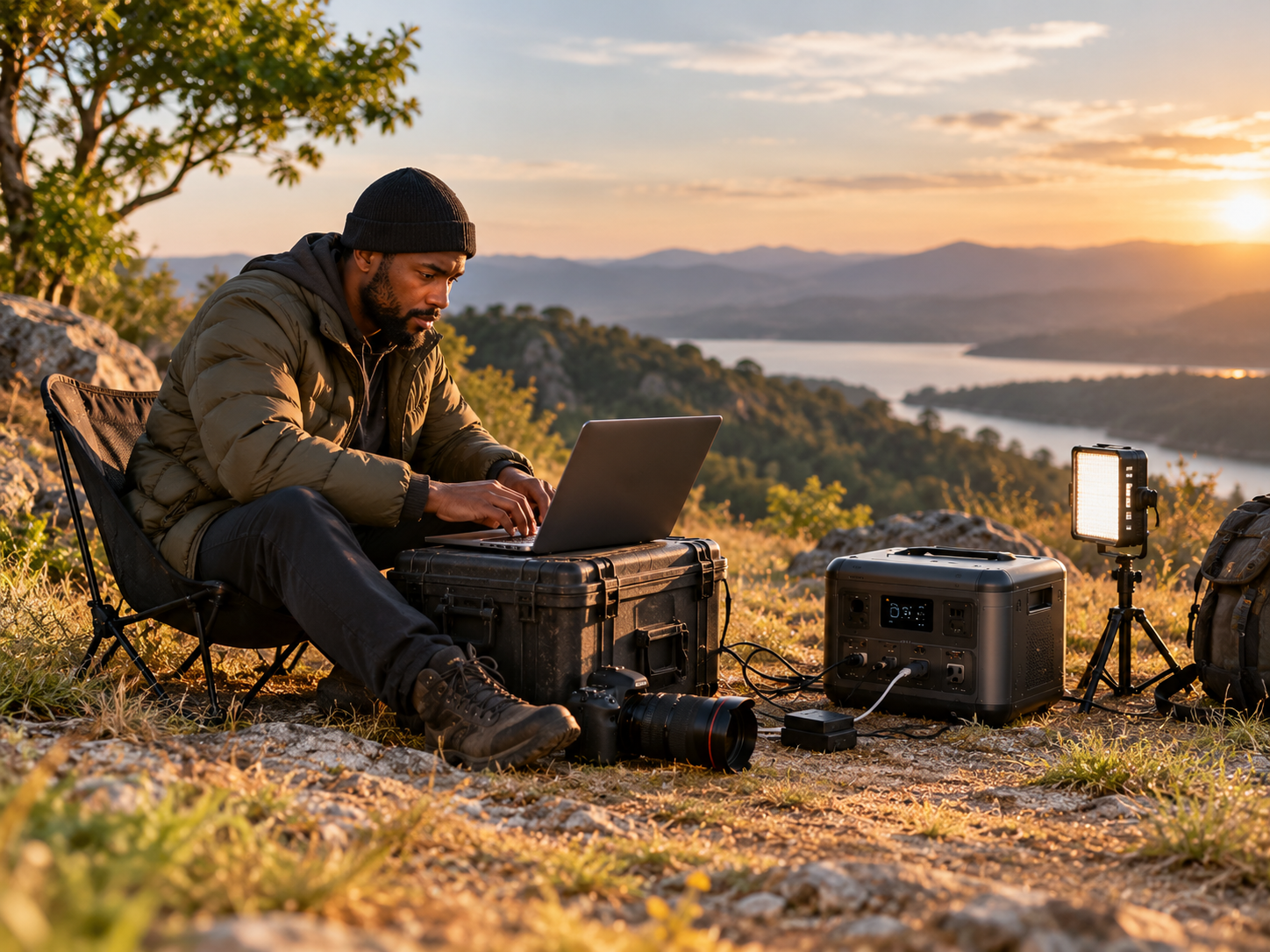
Power for the way you work
Remote workers and nomads
Work from a van, a campsite or a café garden without hunting for sockets.
Creators and photographers
Power cameras, lights, drones and laptops on location, far from the studio.
Trades and site crews
Charge tool batteries and run lights and radios where there's no mains power.
Market and pop-up sellers
Run a card reader, tablet, lights and a speaker at the stall.
Add up your working day
| Device | Typical power draw | What to know |
|---|---|---|
| Laptop | 45–100 W | Check the charger rating printed on the adapter. |
| External monitor | 15–40 W | Adds up over a long day. |
| Wi-Fi router or hotspot | 5–20 W | Small but runs all day. |
| Phone and tablet charging | 5–20 W | Minor, but constant. |
| Camera lights or studio LEDs | 50–200 W | Check your lights' wattage. |
| Tool battery chargers | 50–200 W | Charge in the morning while you work. |
| Corded power tools | 600–1,500 W or more | Check the output rating and starting surge first. |
| Example workday | ≈ 806 Wh |
Example: laptop 60 W × 8 h = 480 Wh · monitor 25 W × 8 h = 200 Wh · router 12 W × 8 h = 96 Wh · phone 15 W × 2 h = 30 Wh. Total ≈ 806 Wh. Add a 20–30% margin.
Check the output (W)
Check the capacity (Wh)
Charge smart, work longer
Charge overnight
Top up with solar
Prioritise
Work-friendly habits
- Keep your laptop and phone charged before you start the day.
- Charge tool batteries and cameras in the middle of the day, when solar is strongest.
- Use the power station's USB-C ports for laptops and phones where supported.
- Keep a short extension lead so you can place the unit away from the sun's heat.
- Back up files regularly, because it's good practice everywhere.
Pick a setup that fits your work
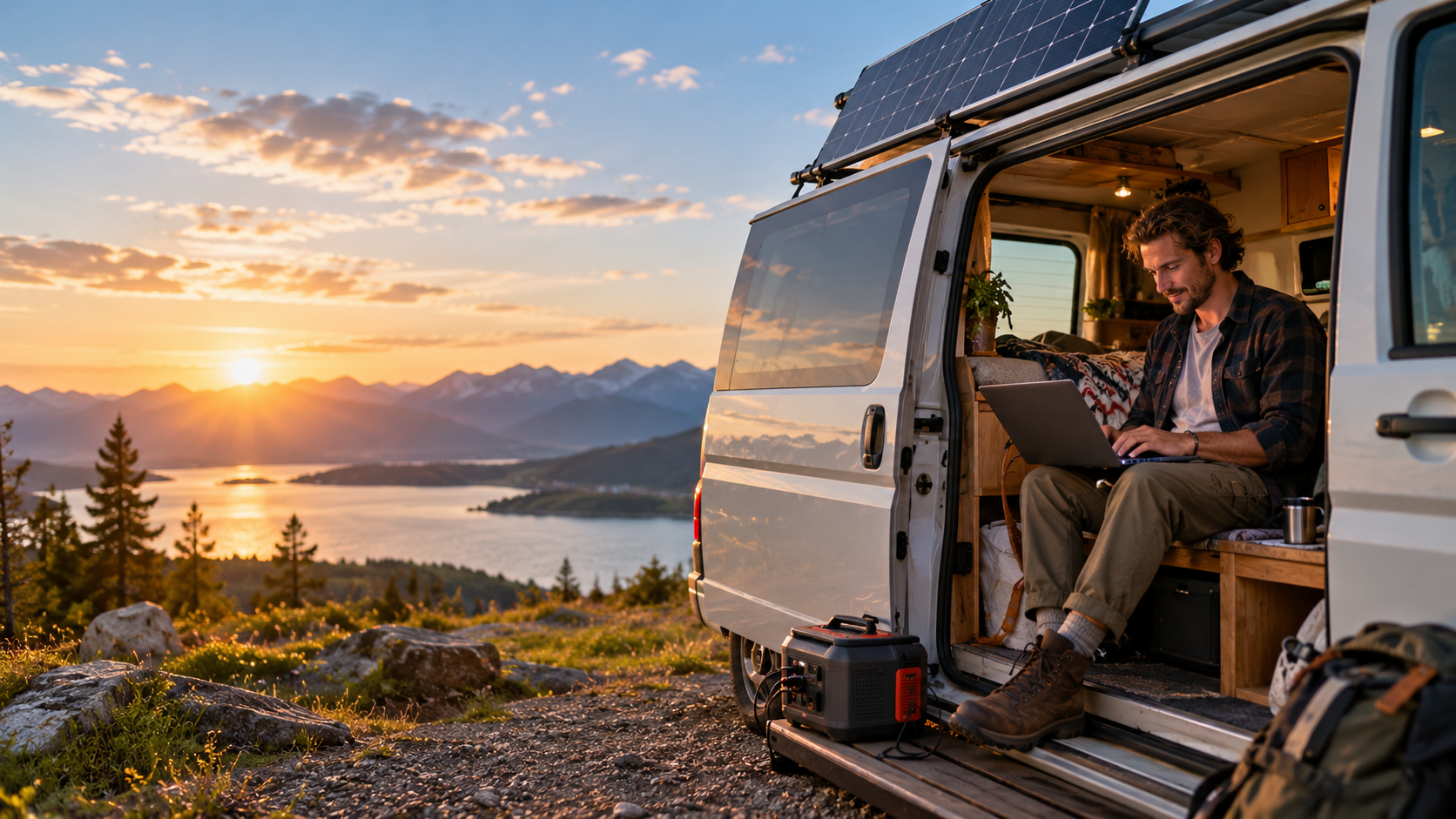
Mobile Professional
- Light enough to carry
- Flexible panel to top up outdoors
- Great for laptops and connectivity
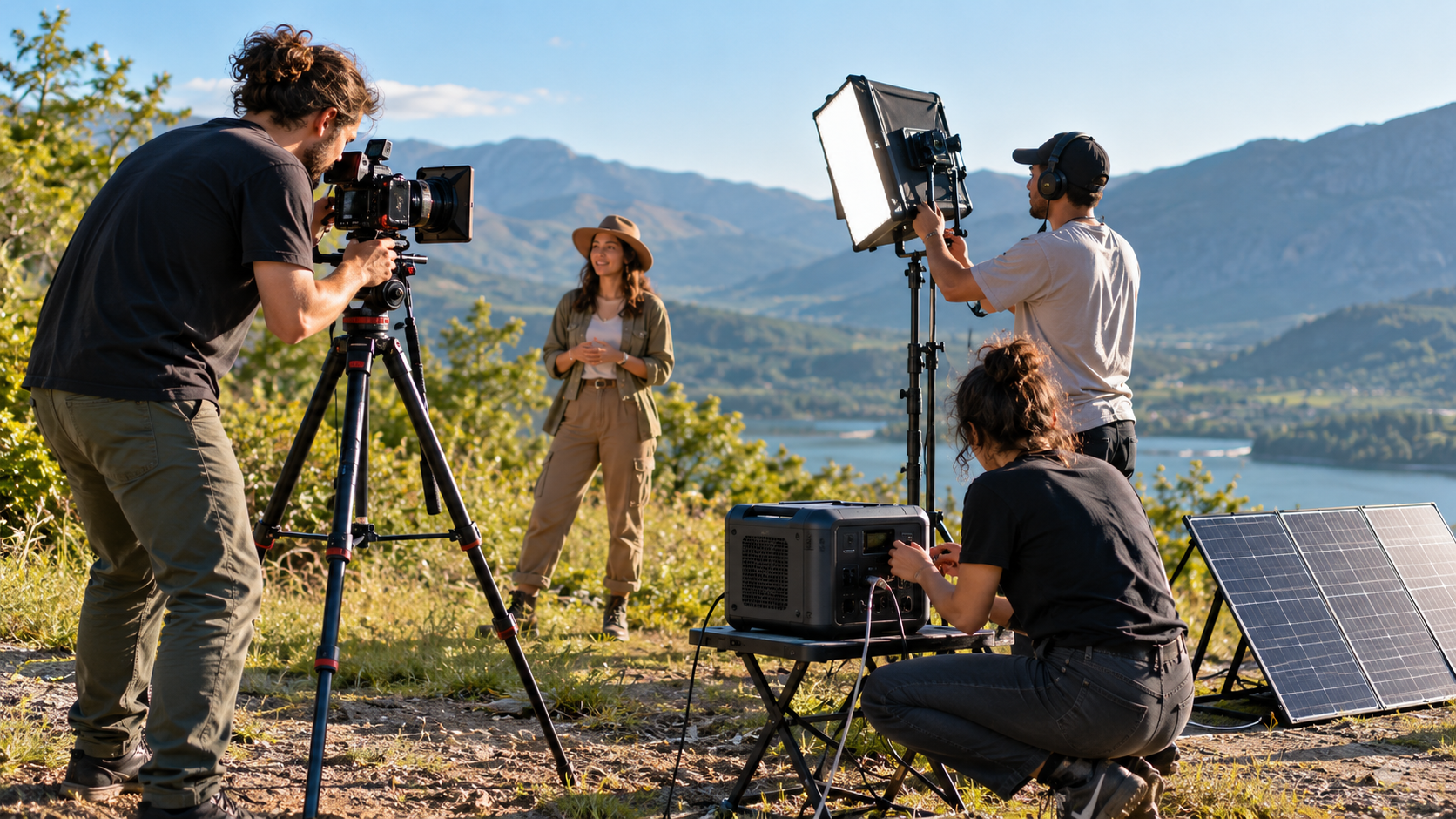
Studio & Site Pro
- Handles lights and equipment
- 400W panel charges fast
- A good all-day setup
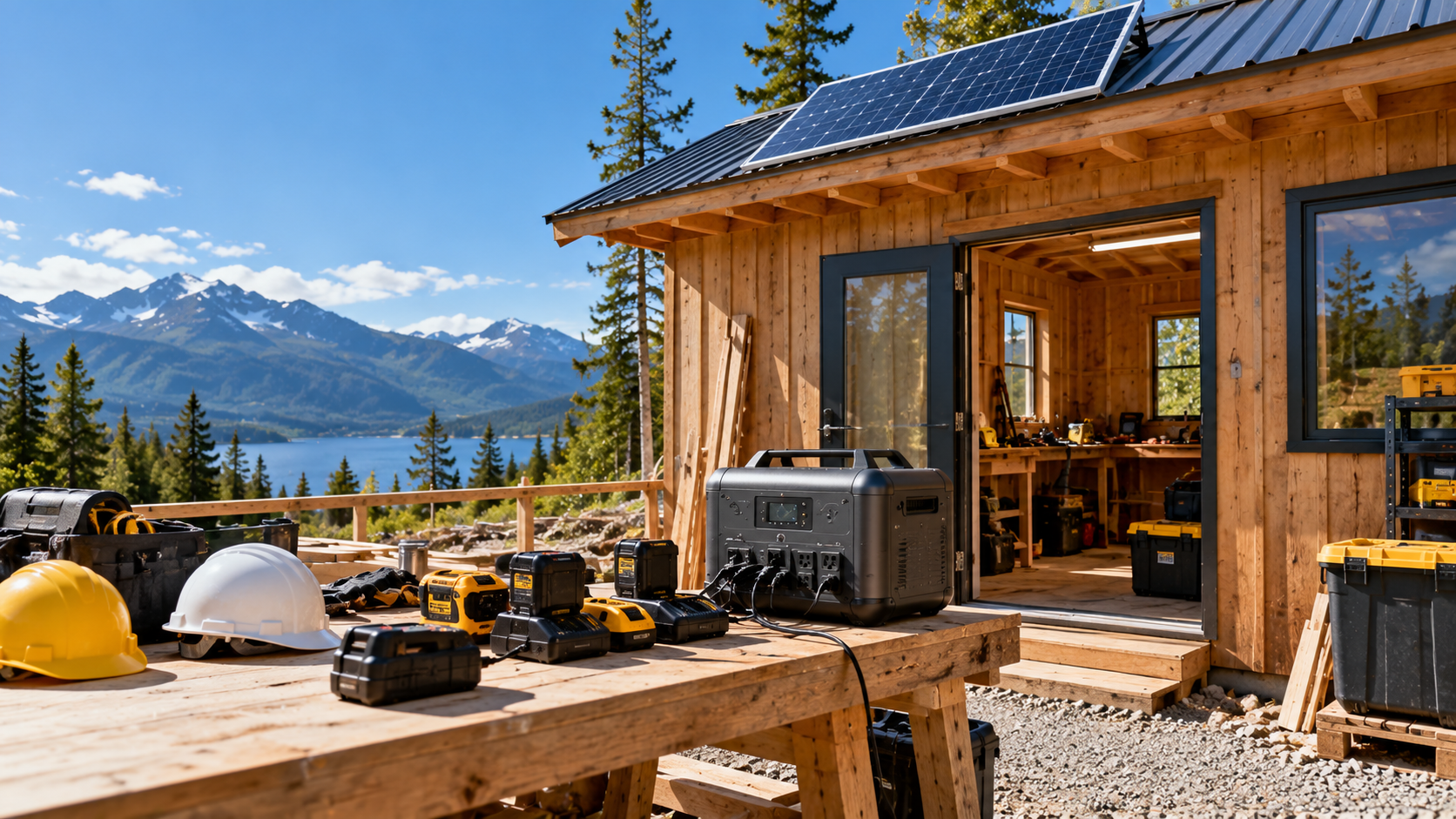
Heavy-Duty Work Power
- Higher output for tools
- Large capacity for full days
- Solar to extend runtime
Solar for a full workday
Foldable panels
Set it in the sun beside your workspace. Easy to carry, and easy to re-aim as the sun moves.
Flexible panels
Lightweight and quick to pack, which suits a mobile office. Keep them flat and secure.
High-output panels
A 400W panel charges much faster, which is useful when you're running heavier gear.
What matters for work power
Capacity (Wh)
Compare it with your daily total from Step 1.
Output (W)
Needs to cover your biggest load, especially tools.
Ports
USB-C for laptops and phones, plus AC sockets for everything else.
Solar input
A higher input charges faster from bigger panels.
Always-on use
Check it suits running continuously for routers and small devices.
Warranty and support
Your work depends on it, so check the cover.
Stay productive, wherever you are
Before work
- Charge the power station fully.
- Check your charger wattage.
- Pack cables and an extension lead.
- Test the panel.
During work
- Run essentials first.
- Set the panel in direct sun.
- Keep the unit shaded and ventilated.
- Charge big loads at midday.
After work
- Recharge from the wall or solar.
- Note how long things ran.
- Store it dry and cool.
- Back up your files.
Questions about work power
Yes. A laptop typically draws about 45–100 W, so a mid-size battery can run it for many hours. Add up your whole setup, including a monitor and router, with the formula above, and choose a capacity above that total.
Some can. Check the tool’s wattage and its starting surge against the power station’s output rating, and make sure the capacity covers your working time. Corded tools usually draw a lot more than electronics.
Yes. A router draws only about 10–30 W, so it can run for many hours. Plug it into the power station, and consider a few lights and your laptop too.
Not necessarily. Some power stations support seamless switchover, and others don’t, so check your model’s specifications if you need it for sensitive equipment.
A solar panel set in direct sun tops it up through the day. You can also charge it overnight from a wall socket so it’s full each morning.
Look for USB-C for laptops and phones, USB-A, and AC sockets for chargers, monitors and tools. Check the ports on each product page.
Add up the watt-hours you use per day, add a 20–30% margin and pick a capacity above that. Check the output rating covers the most demanding gear you’ll run at once.
More ways to stay powered
RV & Van Life
Take reliable power wherever the road leads.
Outdoor & Camping Power
Stay powered while camping, traveling and exploring.
Home Backup Power
Keep essential devices powered when the grid goes down.
Also see Emergency Power and Energy Independence.