

Home Backup Power
Be ready before the lights go out
Backup for every kind of home
Outage-prone areas
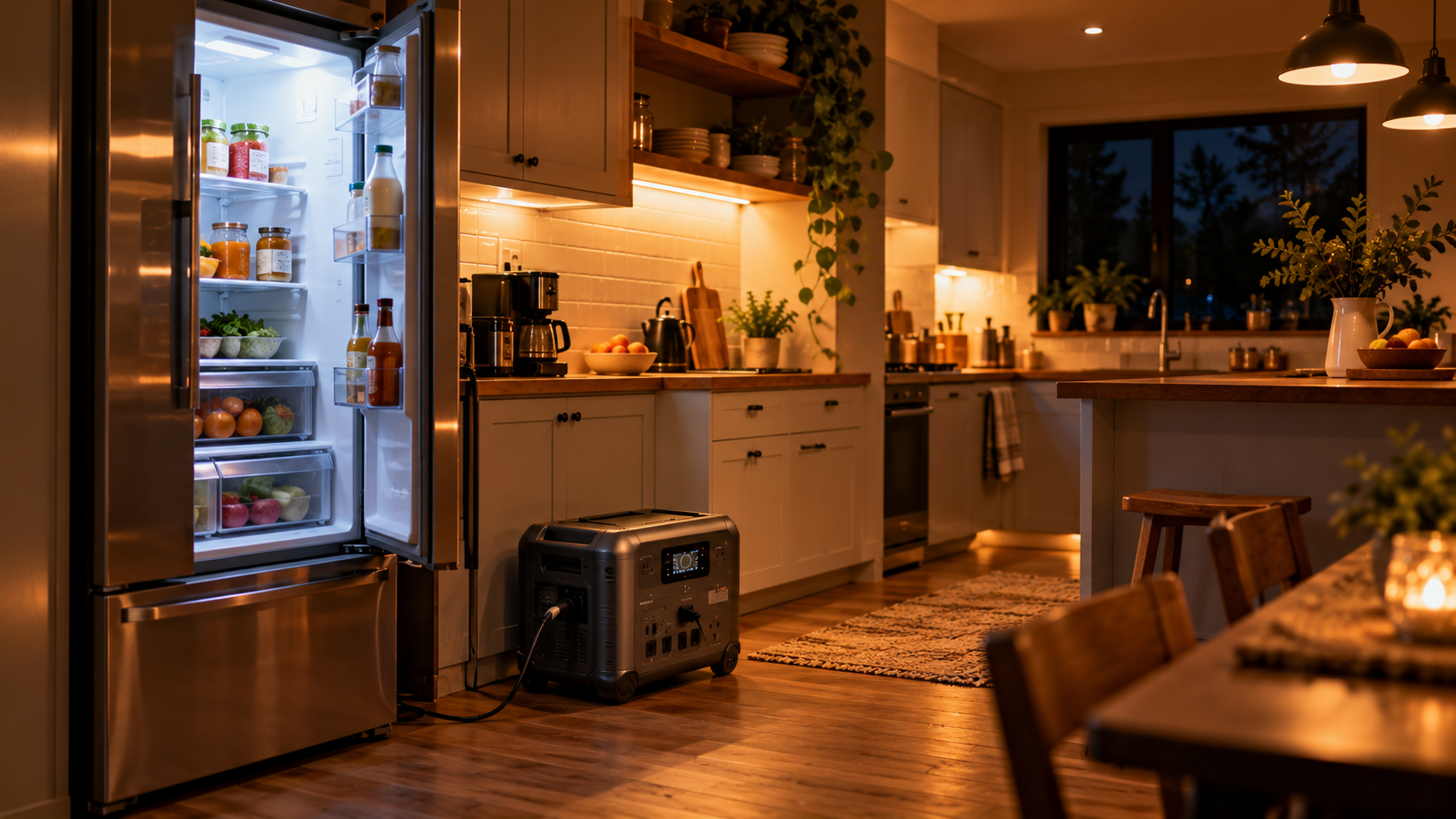
Keep lights, phones and Wi-Fi running through storms and grid problems.
Apartments and renters
A plug-in battery needs no installation, so it suits homes where you can't change the wiring.
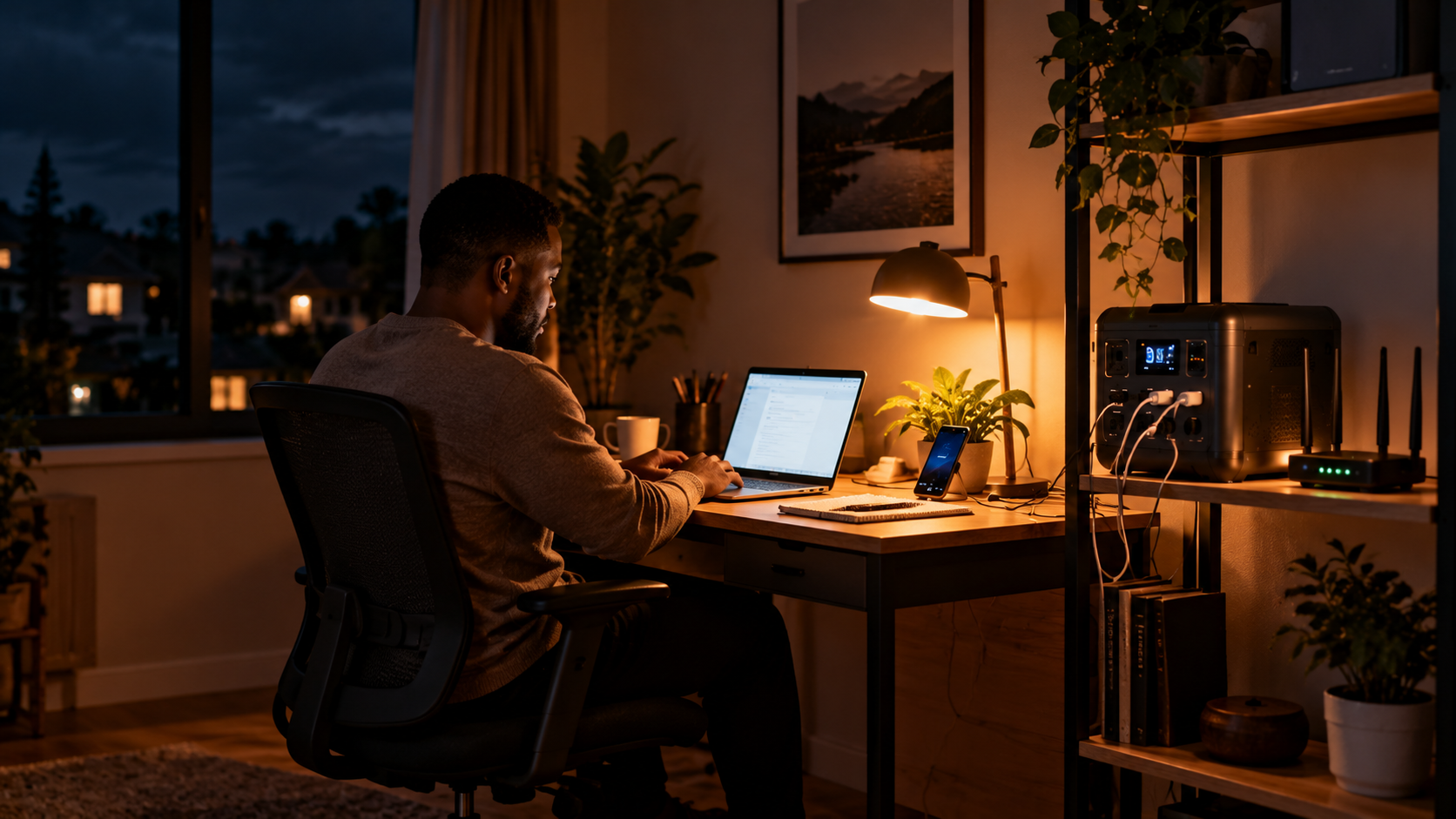
Work-from-home households
Stay online and finish the day's work while the neighbourhood is dark.
Families
Keep lights on, devices charged and everyone connected when it matters.
List what you want to keep running
| Device | Typical power draw | What to know |
|---|---|---|
| Wi-Fi router and modem | 10–30 W | Small, but it runs for many hours. Worth including. |
| LED light bulbs | 5–15 W each | Very efficient. A few lights add little. |
| Phones and tablets | 5–20 W | A full charge uses very little energy. |
| Laptop | 45–100 W | Check the charger rating. |
| TV | 50–150 W | Varies a lot by size and type. |
| Full-size refrigerator | 100–250 W while running | Starting surge is higher. Check the fridge label and the power station's surge rating. |
| Fan | 20–75 W | Depends on size and speed. |
| Air conditioner, oven, electric heater, water heater | 1,000–3,000 W or more | Beyond what most portable units can sustain. Not recommended. |
| Example essentials (evening) | ≈ 620 Wh |
Example evening: router 15 W × 10 h = 150 Wh · lights 30 W × 5 h = 150 Wh · phones and a laptop 80 W × 4 h = 320 Wh. Total ≈ 620 Wh. Add a 20–30% margin, plus the fridge if you plan to run one.
Check the output (W)
Check the capacity (Wh)
Keep it charged, then add solar
Keep it topped up
Know your priorities
Add solar for long outages
Make a simple outage plan
- Charge the power station fully when bad weather is forecast.
- Keep the charging cables and a flashlight together with it.
- Place it in a dry, ventilated spot and not in a closed cupboard while in use.
- Run the fridge only if the battery and output suit it, and keep the door closed.
- Put solar panels outdoors in the sun, and take them in if there's high wind or a storm.
Pick a backup that fits your essentials
Essentials Backup
- Keeps the basics running
- Includes a solar panel to top up
- Compact for a flat or home

Family Backup
- More capacity for more devices
- Faster solar recharging
- A good fit for longer outages
Whole-Day Backup
- Large capacity for longer outages
- Handles bigger loads
- Pairs with solar panels
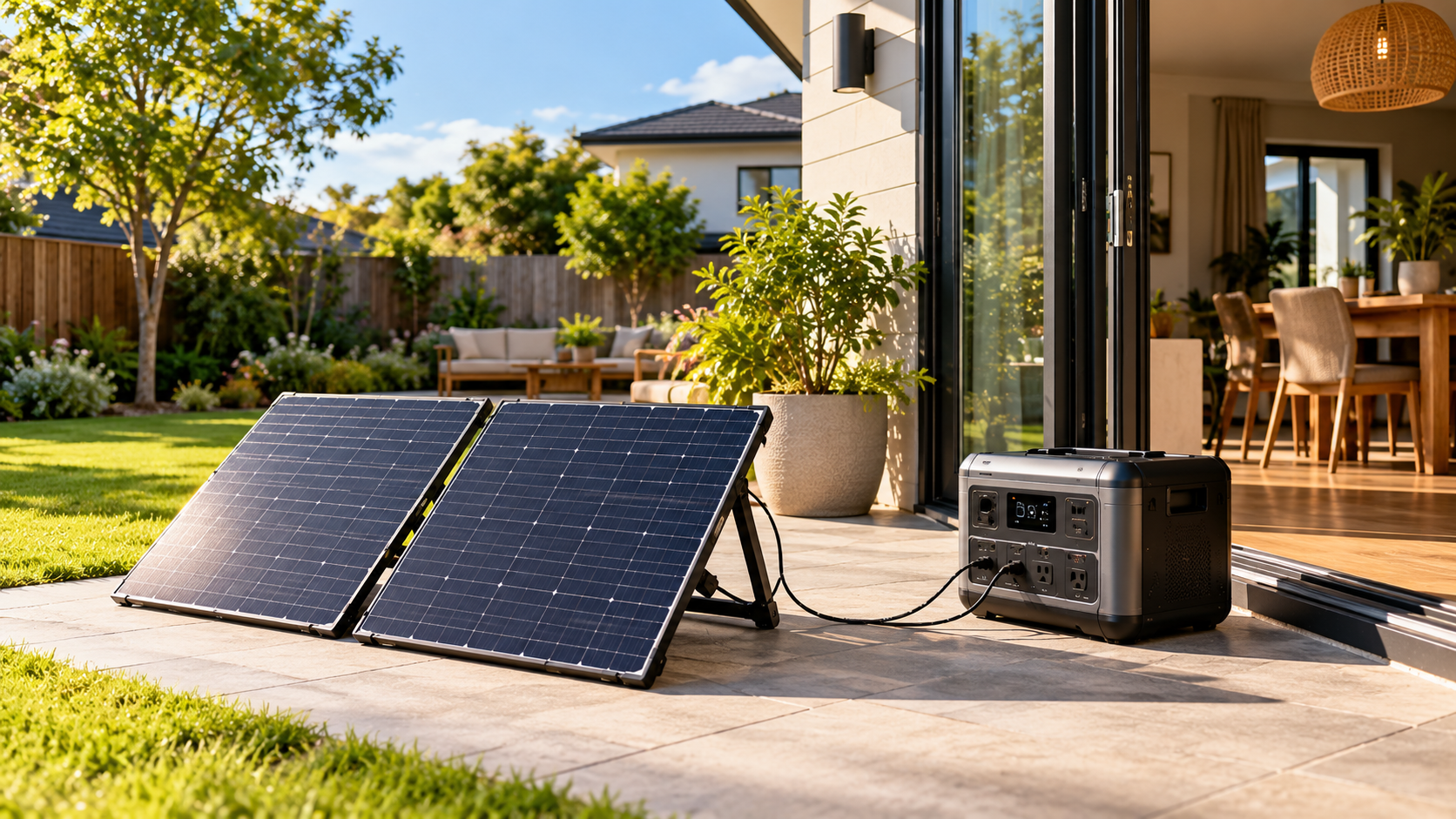
Solar for longer outages
Foldable panels
Store them folded and set them out in the garden, on a balcony or the roof when you need them. Easy to move and re-aim.
High-output panels
A 400W panel charges much faster than a small one, which is useful when you want the battery full again by the evening.
Bundled kits
Kits pair a power station with matched panels, which takes the guesswork out of compatibility.
What to look for in a home backup
Capacity (Wh)
Decides how many hours your essentials will run.
Output and surge
Needs to cover everything running together, plus start-up surge for a fridge.
AC outlets and ports
Check there are enough sockets and the USB ports you use.
Solar input
A higher input accepts bigger panels so you can recharge faster.
Recharge time
Check how long it takes to refill from the wall and from solar.
Safety and warranty
Look for safety protections and clear warranty cover.
Stay calm and stay powered
Before the outage
- Charge the power station fully.
- List your essentials in priority order.
- Keep cables and a flashlight with it.
- Test it once so you know how it works.
During the outage
- Plug devices straight into the power station.
- Turn off what you don't need.
- Put solar panels out in the sun if you have them.
- Keep it dry and ventilated.
After the outage
- Recharge it fully from the wall or solar.
- Note how long your essentials ran.
- Adjust your plan or battery size if needed.
- Store it as the manual advises.
Questions about home backup power
No. A portable power station powers the devices you plug into it. It’s designed for essentials such as lights, Wi-Fi, phones, laptops and sometimes a fridge. Connecting a backup to your home wiring should only be done by a qualified electrician with approved equipment, and large loads such as central AC, ovens and water heaters are beyond most portable units.
Estimate it with a formula: hours ≈ capacity (Wh) × 0.85 ÷ the watts you’re running. A router and a few lights can run for many hours on a mid-size battery, while a fridge uses more. Use the sizing table to add up your own essentials.
Many can, if the output rating covers the fridge’s running and start-up (surge) watts and the capacity covers the hours you need. Check the fridge’s label and the power station’s specifications, and keep the door closed during an outage.
A battery power station has no exhaust fumes, unlike a fuel generator. Even so, keep it in a dry, ventilated place away from heat and flames, never cover it while it’s in use, and follow the manufacturer’s manual.
No, a power station works from a wall socket. But if outages can last more than a day, solar panels let you recharge during the day and keep going. Larger panels charge faster.
Follow your model’s manual. Batteries slowly lose charge when stored, so it’s a good idea to check the level every few months and top it up so it’s ready when you need it.
Check the equipment’s wattage and the manufacturer’s guidance, and speak to the equipment provider or your clinician about a backup plan. A power station shouldn’t be the only plan for essential medical equipment.
More ways to stay powered
Emergency Power
Be ready when dependable electricity matters most.
Energy Independence
Build a more flexible approach to your energy needs.
Work & Productivity Power
Keep your laptop and gear running from anywhere.